Create, save, publish, and sign daily reports from a phone or shared tablet.
Daily childcare updates parents can trust
Daily reports parents can trust. Classroom updates teachers can finish faster.
Kynda Care gives daycares one mobile-first place for daily reports, meals, naps, hygiene notes, health updates, events, photos, and parent feedback routed to management.
For owners, managers, teachers, and parents who need a better center-managed record of each child’s day.
Coming soon. In-app demo available.
Daycare reportsEnglish and FrenchDemo mode
Built for daily communication
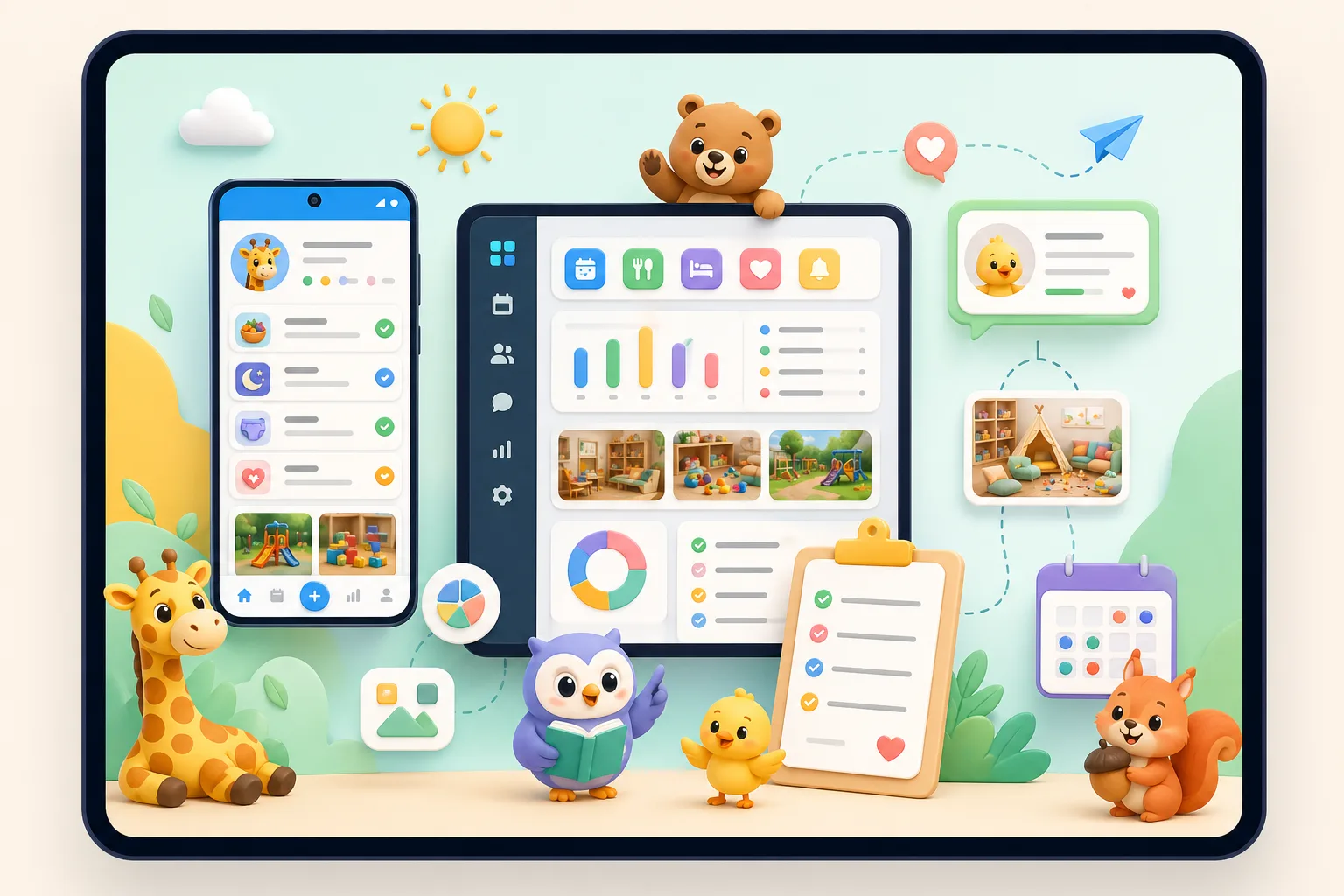
Give families a reliable view of meals, naps, hygiene, health notes, activities, and photos.
Keep users, classes, children, posts, calendar events, and parent feedback to management in one operating loop.
Audience
Built for the people who actually run the day.
Kynda Care is not a generic school activity sheet. It is a smart daily journal for daycare and kindergarten routines, parent-facing updates, and parent feedback handled by management.
Owners and managers
Set up and operate a predictable communication system, invite staff and parents, manage children, review parent feedback, and evaluate demo mode before subscribing.
Teachers
Finish reports during the day instead of reconstructing everything at pickup time. Draft, publish, and sign reports clearly.
Parents
See their child’s day without chasing a group chat: food, sleep, hygiene, health, activities, photos, announcements, events, and a clear way to send feedback to management.
Daily workflow
From classroom note to parent-ready report.
Kynda Care turns scattered moments into structured records without making teachers fight the interface.
Set up the center
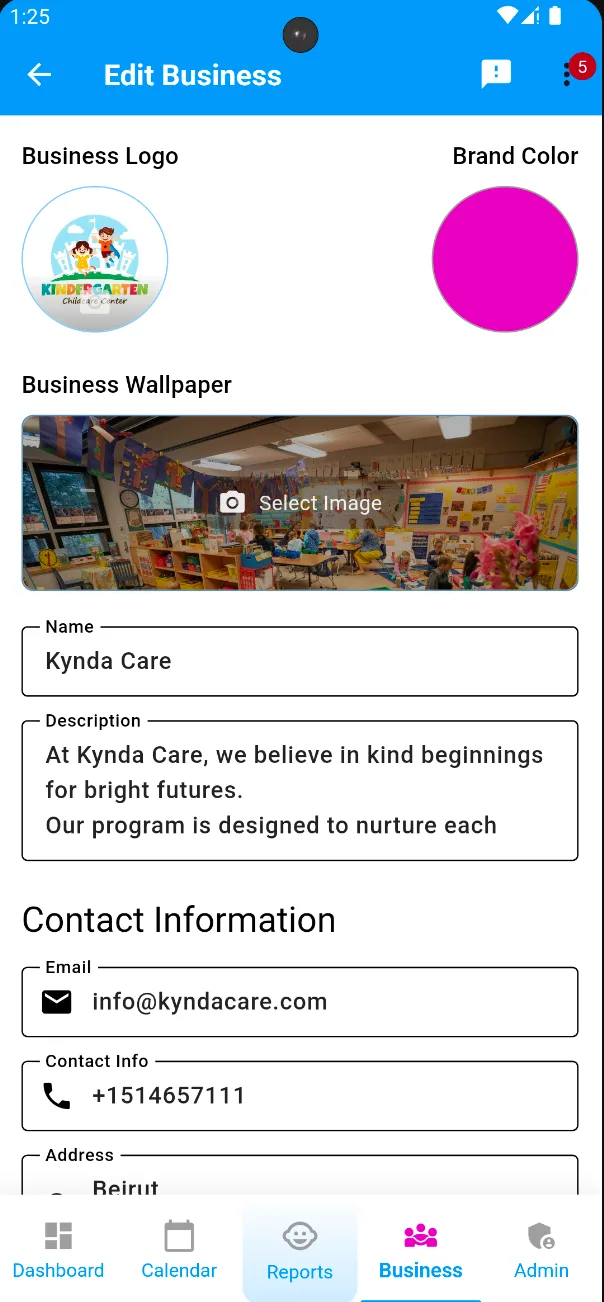
Admins configure the business, users, children, parent links, teacher signatures, and classes.
Capture the day
Teachers log meals, naps, hygiene, health, activities, and notes throughout the day.
Publish with confidence
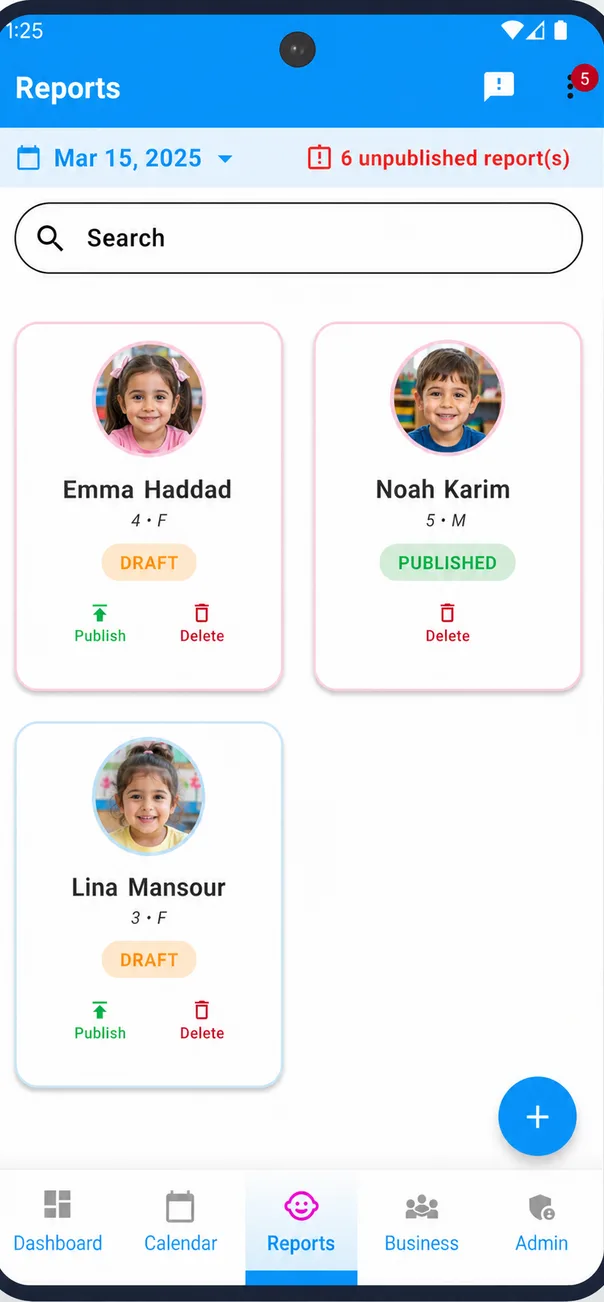
Reports move from draft to published with clear status, signature, and parent visibility.
Keep families aligned
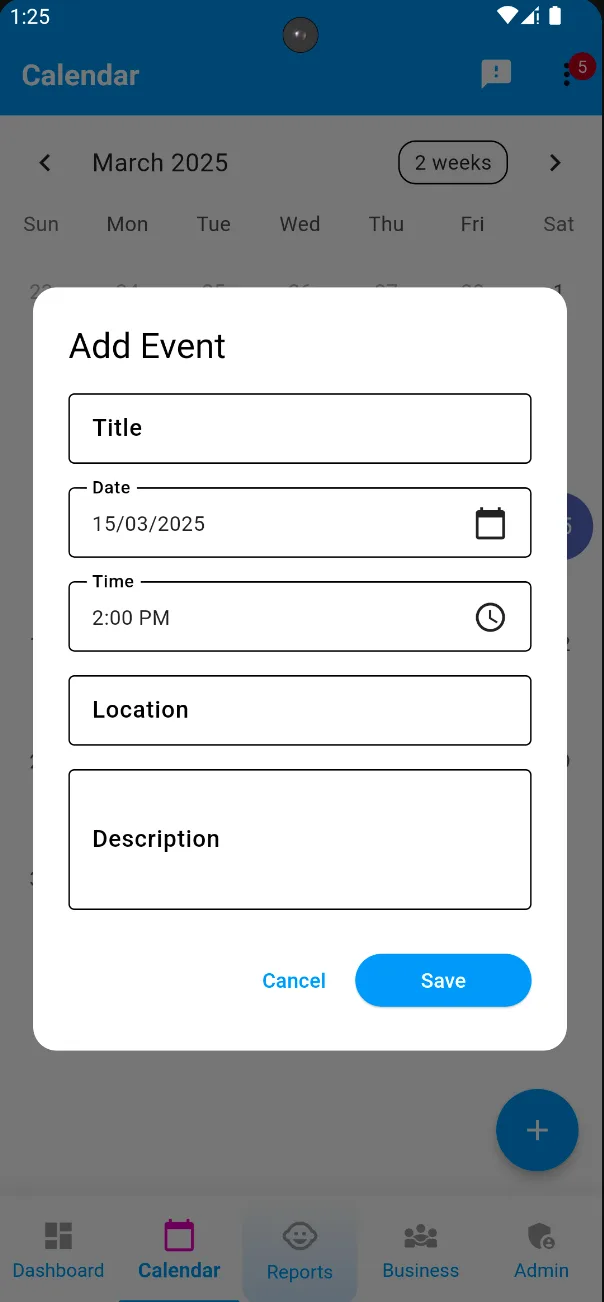
Calendar events, photo posts, notifications, and parent feedback to management keep the relationship active beyond reports.
Published report Today
KC
Child daily summary
Visible to parents after publishing
Meals
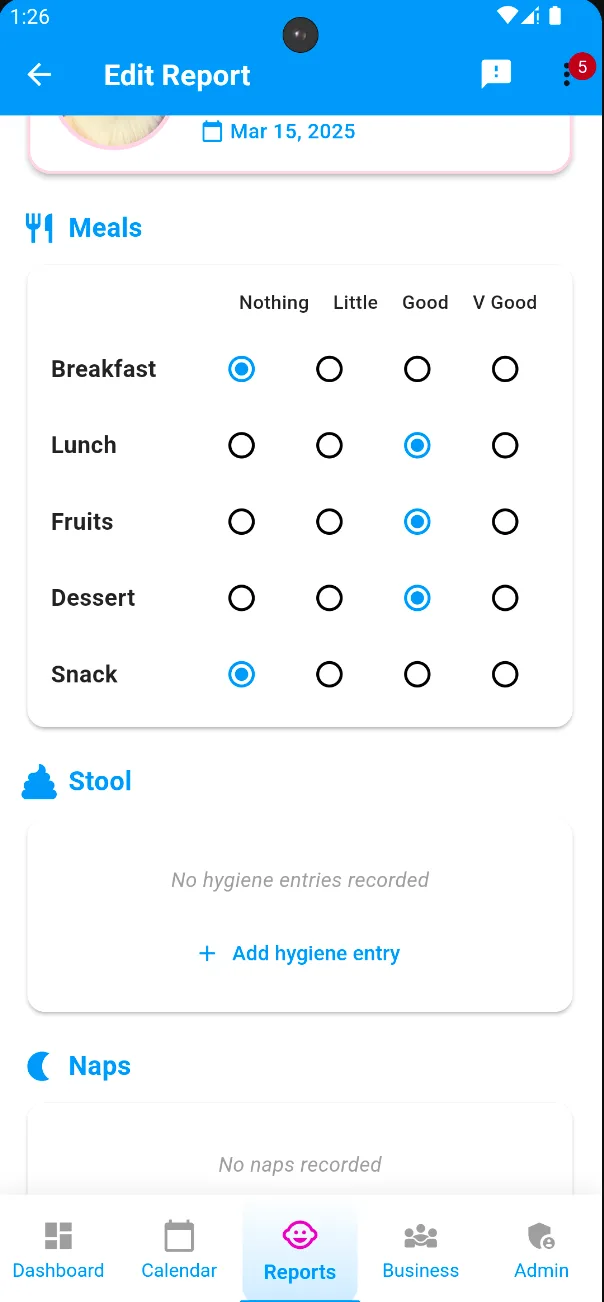
Breakfast, lunch, fruits, dessert, snack ratings, portions, preferences, allergies, and comments.
Sleep
Nap start and end times, sleep quality, and notes when the day felt unusual.
Hygiene and health
Bathroom visits, stool health, incidents, ailments, and health-related observations.
Activities and notes
Classroom moments, behavior, progress, report comments, and a signed published state.
Daily reports
What a useful daily report needs to cover.
Parents do not need a wall of vague updates. They need the small practical details that answer “How was my child today?” without making teachers write the same story ten times.
The point
Turn small moments from the day into a clear, reviewable record that is still fast enough for staff to maintain.
Features
The core product pillars.
1
Daily reports
Meals, naps, hygiene, health, activities, notes, draft status, publishing, and signatures.
2
Parent communication
A cleaner alternative to scattered WhatsApp threads, with reports and updates managed by center management.
3
Events and posts
Calendar updates, announcements, photo posts, and a social feed for school life.
4
Role-based access
Different surfaces for parents, teachers, admins, and super admins.
5
Bilingual experience
English and French support aligned with the app localization.
6
Secure records
Child profiles, linked parents, authentication, notifications, and controlled access.
Screenshots
See the daily workflow before you try it.
See the everyday flow in context: center setup, calendar events, daily report editing, and child updates prepared clearly for parents.
Pricing
Simple plans that match the size of your center.
Choose the tier that fits your current enrollment, then let teachers and families use Kynda Care as part of the center-managed daily communication routine.
Owners can evaluate the daily report, parent-facing updates, and feedback-to-management workflow with the in-app demo before subscriptions begin, then choose pricing that stays easy to understand as the center grows.
20 students Save 15% yearly $17/month when billed yearly
$20/month
40 students Save 15% yearly $34/month when billed yearly
$40/month
60 students Save 15% yearly $51/month when billed yearly
$60/month
Subscriptions are purchased through the App Store or Google Play, not through this website.
Positioning
Why centers move beyond scattered tools.
Kynda Care replaces scattered sheets, chats, and end-of-day memory with one structured workflow for records, updates, events, photos, and parent feedback to management.
Easy to start, hard to search, inconsistent, and often lost at pickup.
Familiar, but noisy, hard to govern, and weak as a child record.
Powerful, but often harder to evaluate and less transparent on pricing.
Focused daily reports, center-managed parent updates, demo mode, bilingual UX, and clear per-center tiers.
Trust
Trust parents and staff can feel in the workflow.
Child-centered records
Daily reports and child profiles are presented as sensitive operational records, not casual chat messages.
No parent billing confusion
Subscriptions are for centers, while parents use the app through their childcare relationship.
Demo before upgrade
Owners and managers can explore the workflow before committing to paid tiers.
Built for sensitive updates
Child data, photos, health notes, and parent feedback to management are handled as structured records, not loose chat messages.
FAQ
Quick answers
Updated April 2026
Who is Kynda Care for?
Kynda Care is for kindergartens, preschools, nurseries, daycare centers, teachers, administrators, and parents who need clearer daily reports, center updates, and parent-to-management feedback.
Is there a demo mode?
Yes. The app includes demo mode so owners and managers can explore the workflow before upgrading to a paid subscription.
Do parents pay?
Pricing is for the daycare or childcare center. Parents use the app as part of the center relationship.
Get started
Give parents a clearer window into the day.
Kynda Care gives daycares one mobile-first place for daily reports, meals, naps, hygiene notes, health updates, events, photos, and parent feedback routed to management.
Coming soon. In-app demo available.